The Challenge
Managing shared expenses remains a persistent source of friction in everyday life. Whether splitting dinner bills among friends, coordinating group event costs, or managing household utilities with roommates, people consistently encounter the same problems: unclear payment obligations, awkward money conversations, lost receipts, and the mental burden of manual tracking across multiple channels.
Traditional solutions—manual calculations, scattered group chats, or complex spreadsheets—fail to address the fundamental need for transparency, simplicity, and trust in financial interactions between peers.
Solution: Split Pal
Split Pal is a mobile bill-splitting application that transforms shared expense management from a source of stress into a seamless, collaborative financial experience. The platform emphasizes three core principles: clarity, fairness, and accountability.
Core Features
1. Bill Creation & Intelligent Splitting
You can create bills either manually or by capturing or uploading receipt photos. Costs are instantly distributed across individuals or saved groups, with flexible splitting options such as equal, custom amounts, or percentage-based. Selecting groups is seamless, whether for roommates, trip companions, or friend circles.
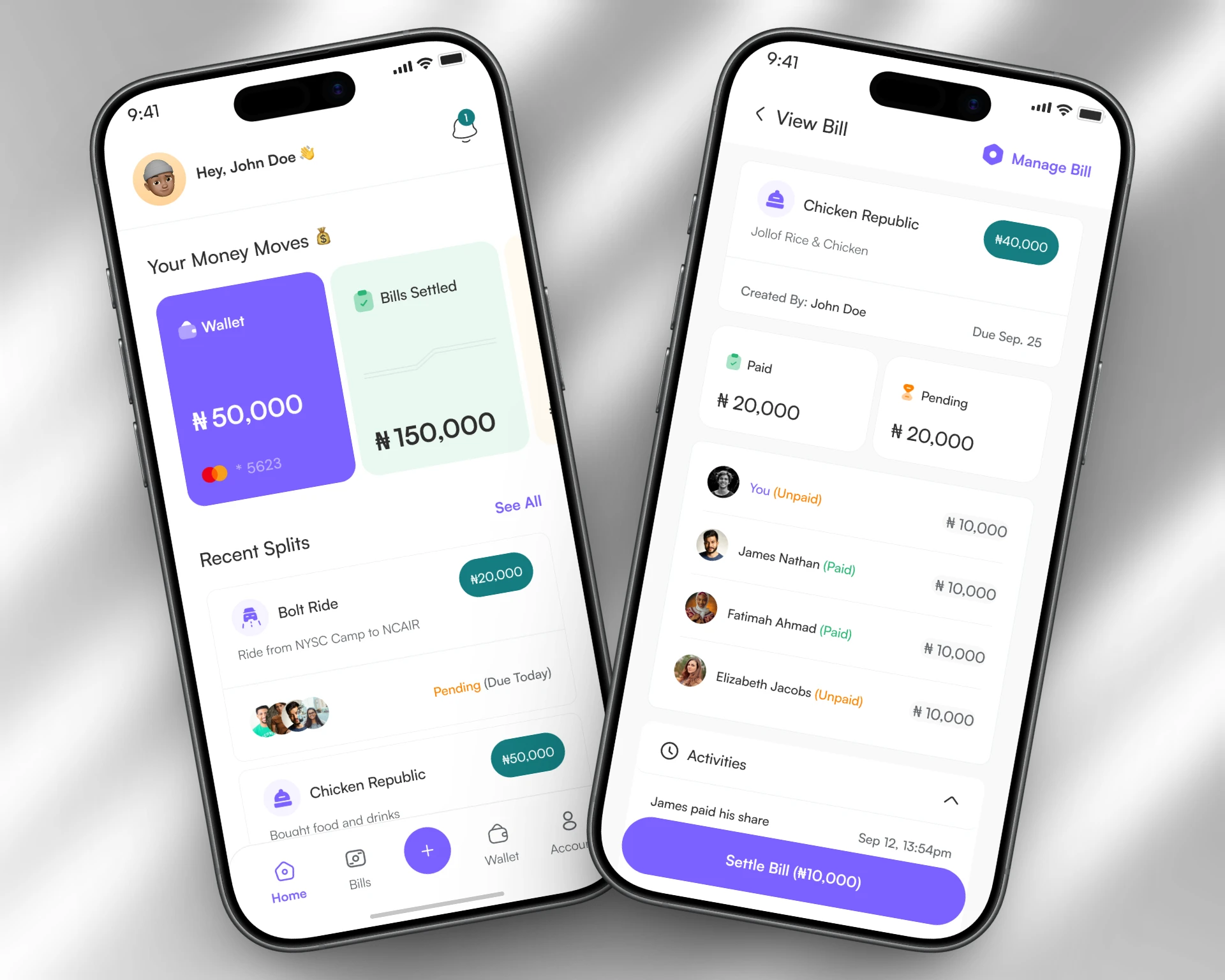
2. Real-Time Tracking Dashboard
The app provides live status updates that clearly show paid versus outstanding amounts. Each participant’s payment state is tracked individually, while a running balance highlights personal obligations and contributions.
3. Smart Notification System
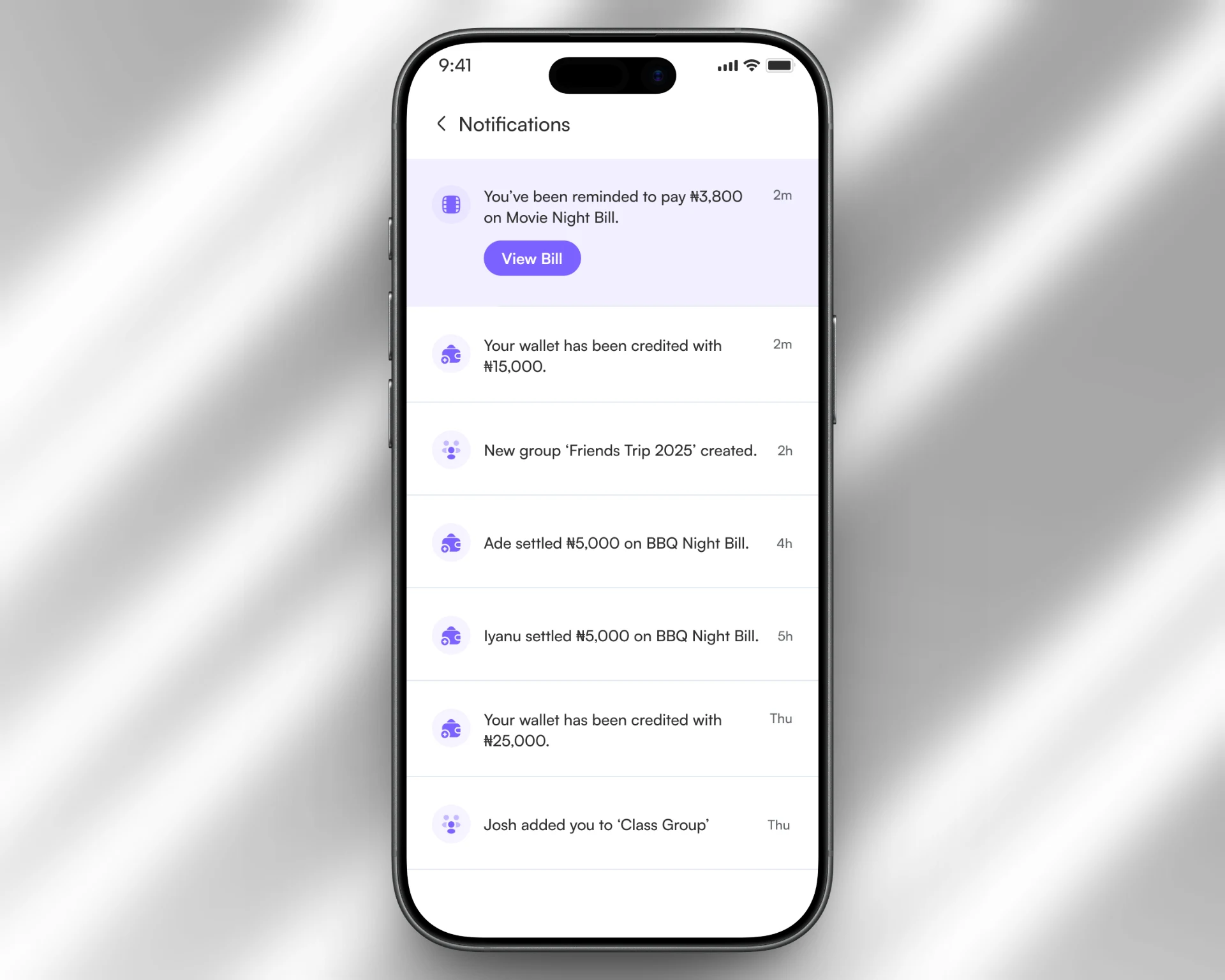
Automated payment reminders can be set on customizable schedules to keep everyone on track. Users receive payment confirmations and status updates, along with activity notifications whenever bills are updated or comments are added.
4. Action Modals & Quick Interactions
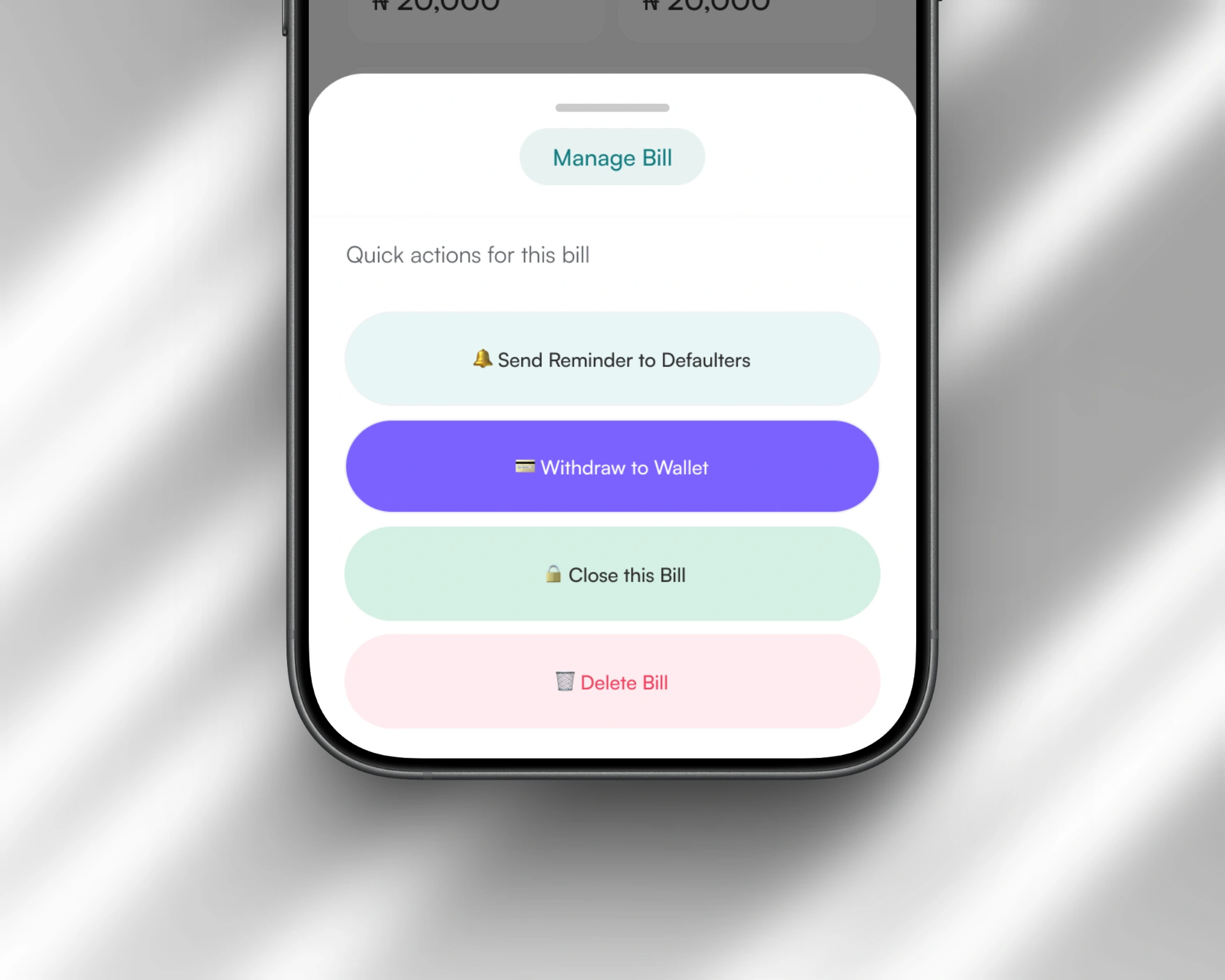
Key actions such as sending reminders, closing bills, withdrawing balances, or settling shares are handled through bottom-sheet modals. Contextual action menus adapt based on the bill’s status and the user’s role, while confirmation dialogs ensure security and clarity for all financial transactions.
5. Group Management
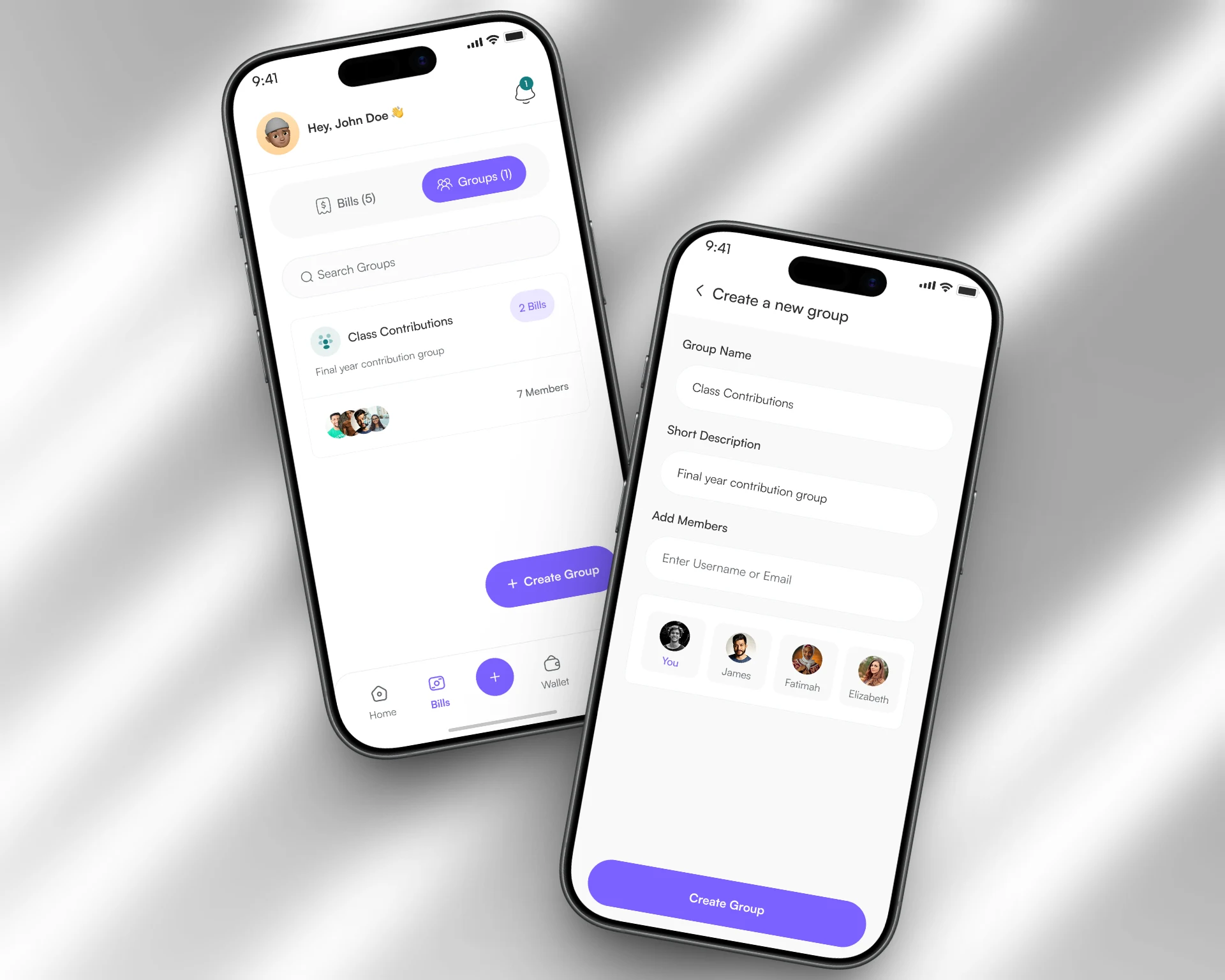
Users can create and manage permanent groups such as roommates, friend circles, or trip companions. Members can be added or removed easily, while group expense history and total spending remain accessible. Quick group selection also simplifies the process of creating new bills.
6. Integrated Payment System
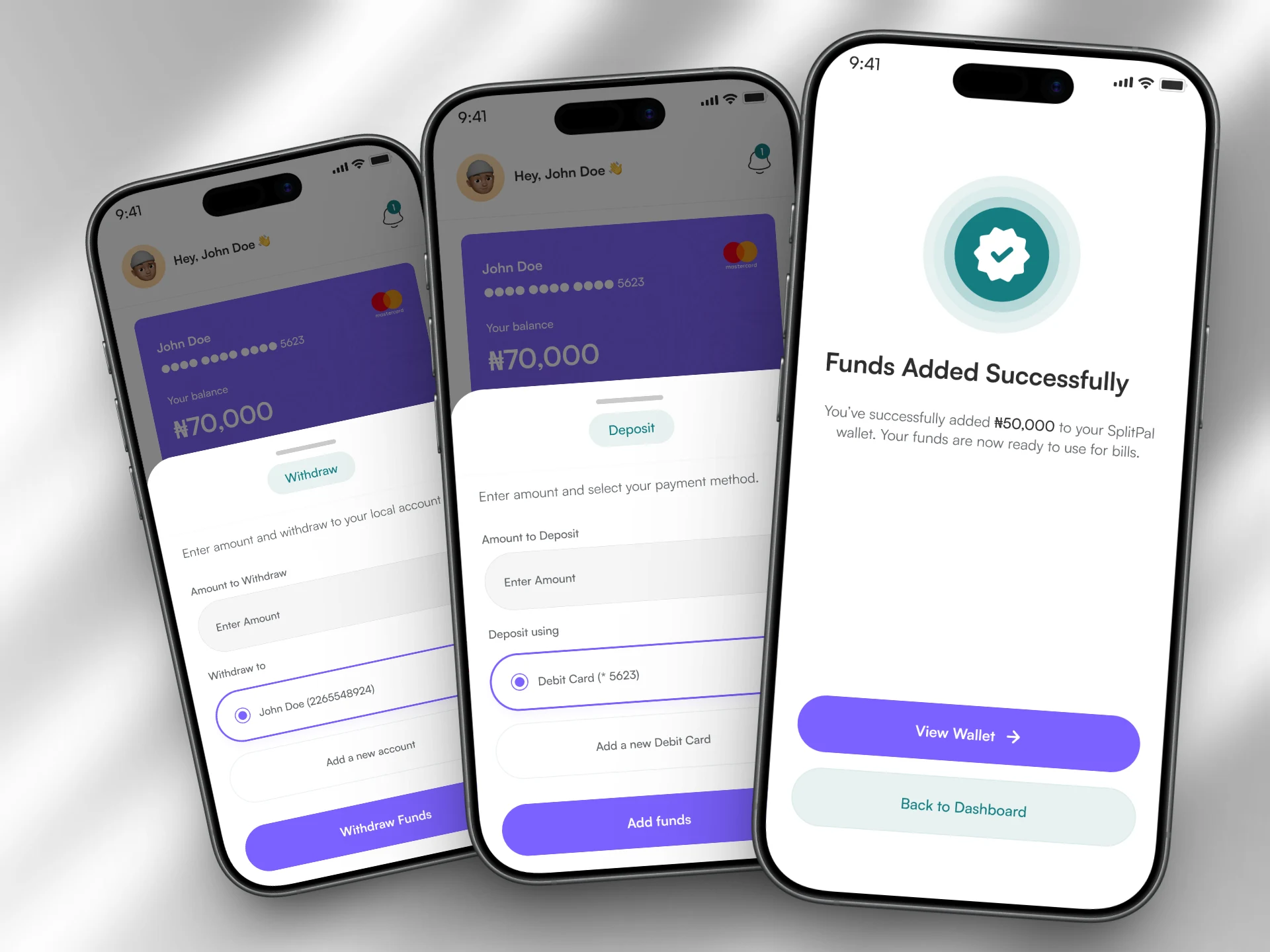
The in-app wallet allows users to fund and settle bills with ease. Payments are securely processed, and balances can be withdrawn directly to linked bank accounts. Wallet funding is also supported through debit cards for convenience.
Beyond Transactions: Analytics Dashboard
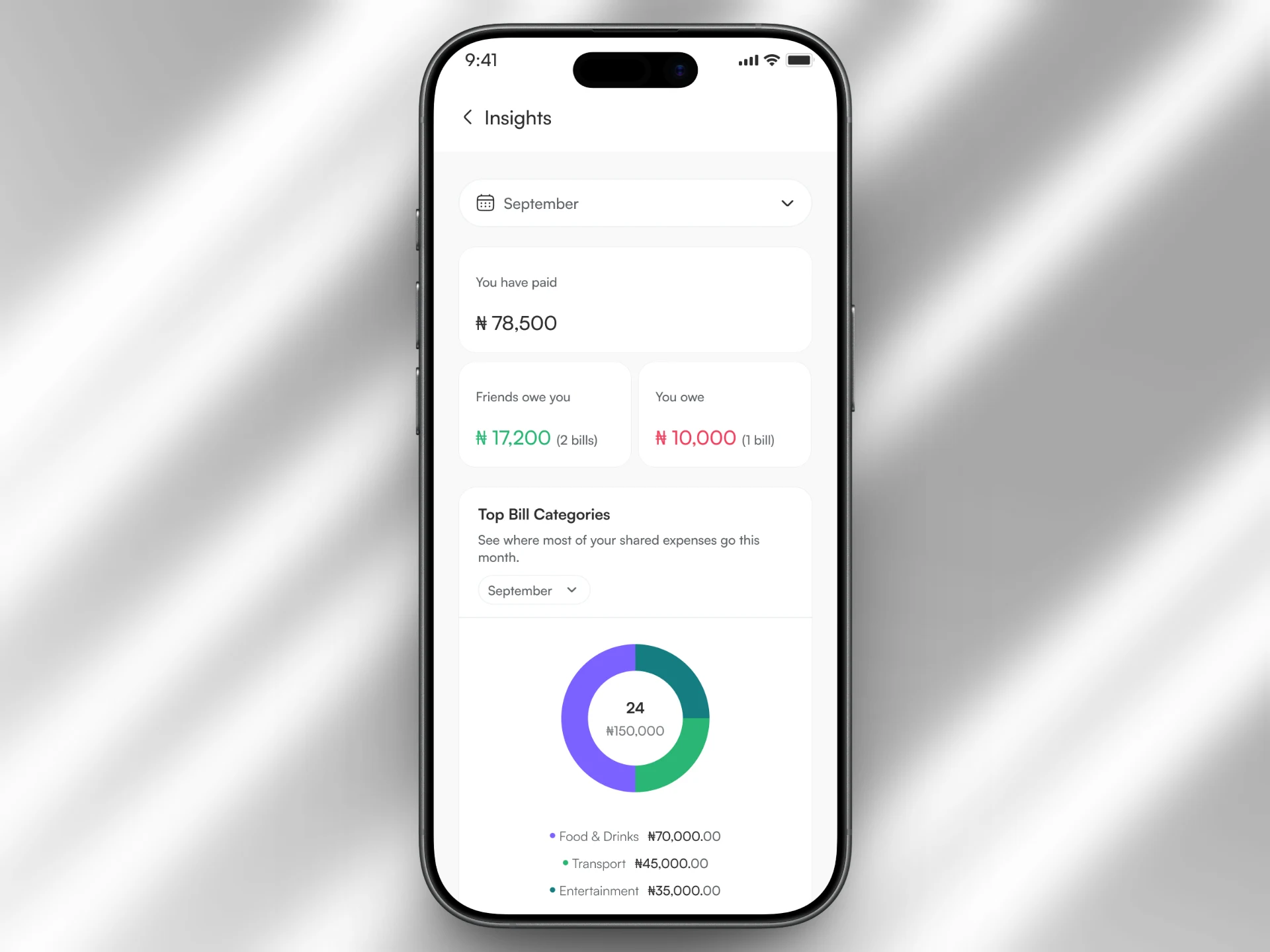
Rather than treating Split Pal as purely transactional, we introduced an Analytics feature to help users understand their spending behavior and make more informed financial decisions.
Bill Creation Flow
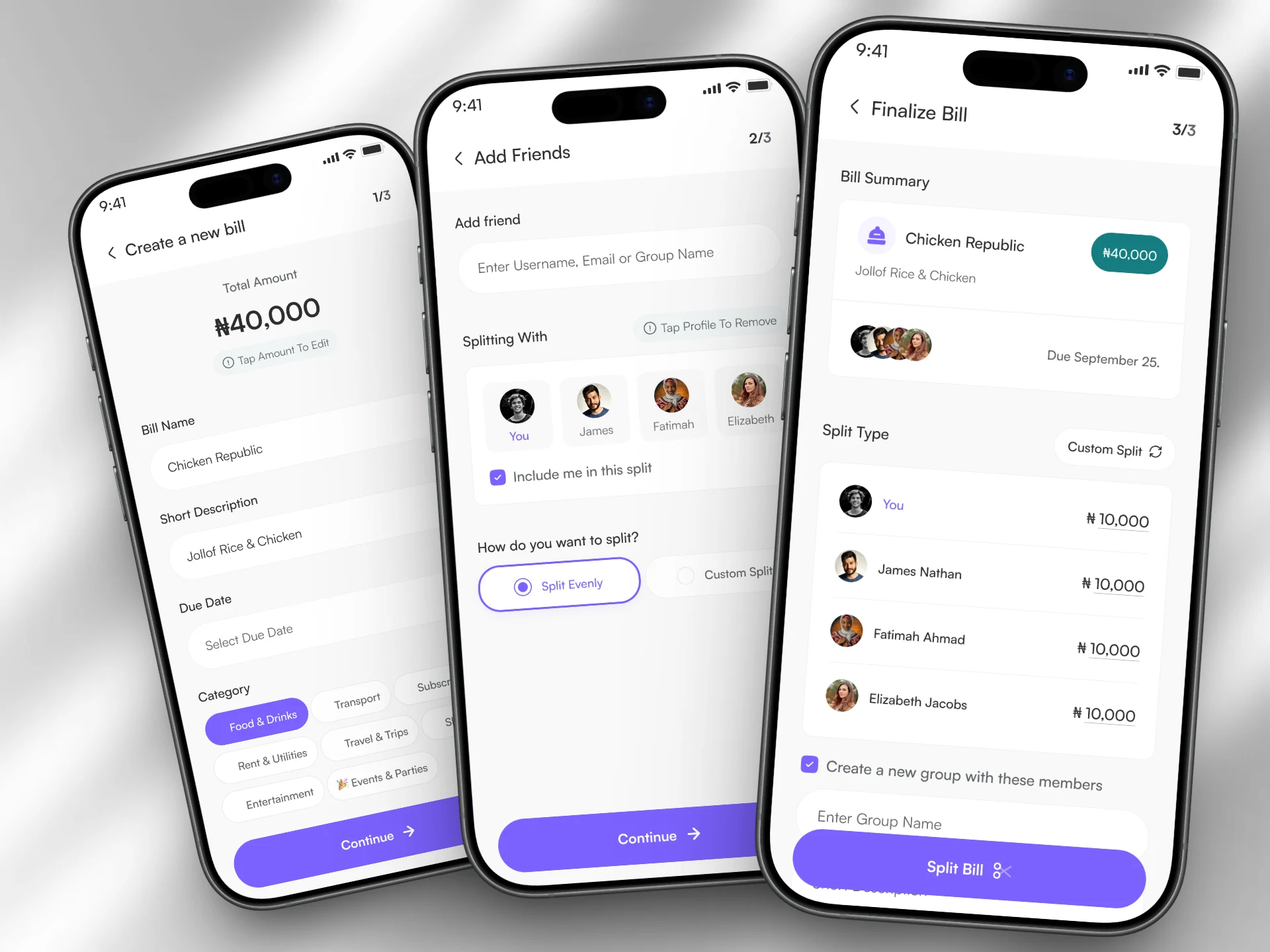
The bill creation flow begins with the Add Bill button in the bottom navigation. Users can then capture a receipt or enter details manually, including amount, description, and category. Next, participants are selected individually or from saved groups, followed by choosing a splitting method—either equal or custom. A summary review is shown before confirmation, and a clear success state provides confirmation along with next action options.
Bill Settlement Flow
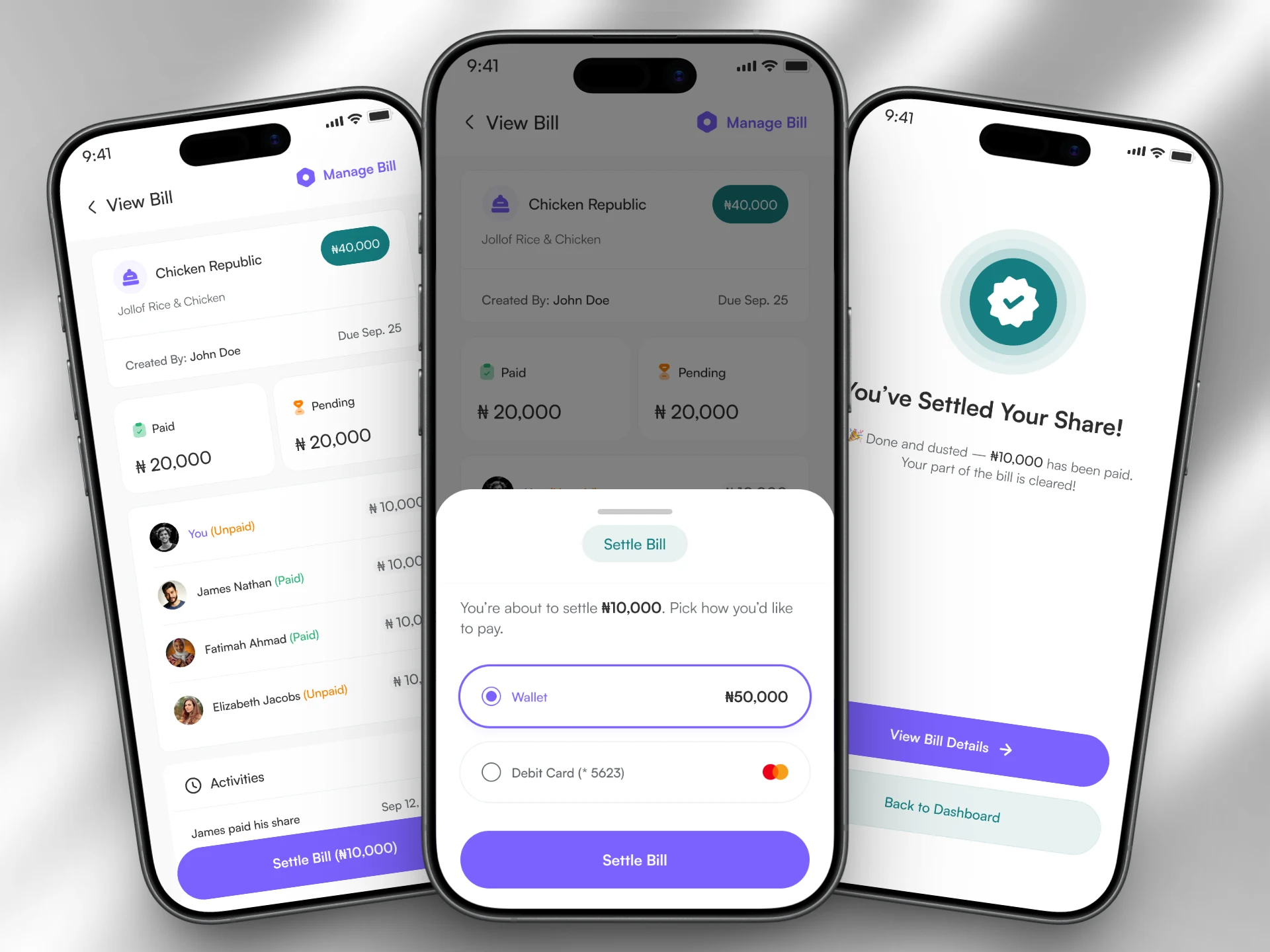
The settlement flow starts with the Settle Bill action from the bill detail view. Users first review the owed amount, then select a payment method from the wallet or other funding sources. After reviewing payment details, the transaction is processed with a clear loading state. Finally, a success screen confirms completion and updates the bill status.
Conclusion
Split Pal transforms shared expense management from a source of friction into a seamless, transparent, and empowering experience. By prioritizing mobile-first usability, real-time transparency, and actionable insights, the design creates a foundation of trust and clarity essential for financial interactions between peers.
The project demonstrates that thoughtful UX design can turn a utilitarian task into a positive experience—one that not only solves immediate problems but also helps users develop better financial awareness and stronger relationships through reduced money-related stress.
Core Achievement: A mobile bill-splitting platform that balances simplicity with power, eliminating confusion while building trust through transparency and clear visual communication.
Other Pages
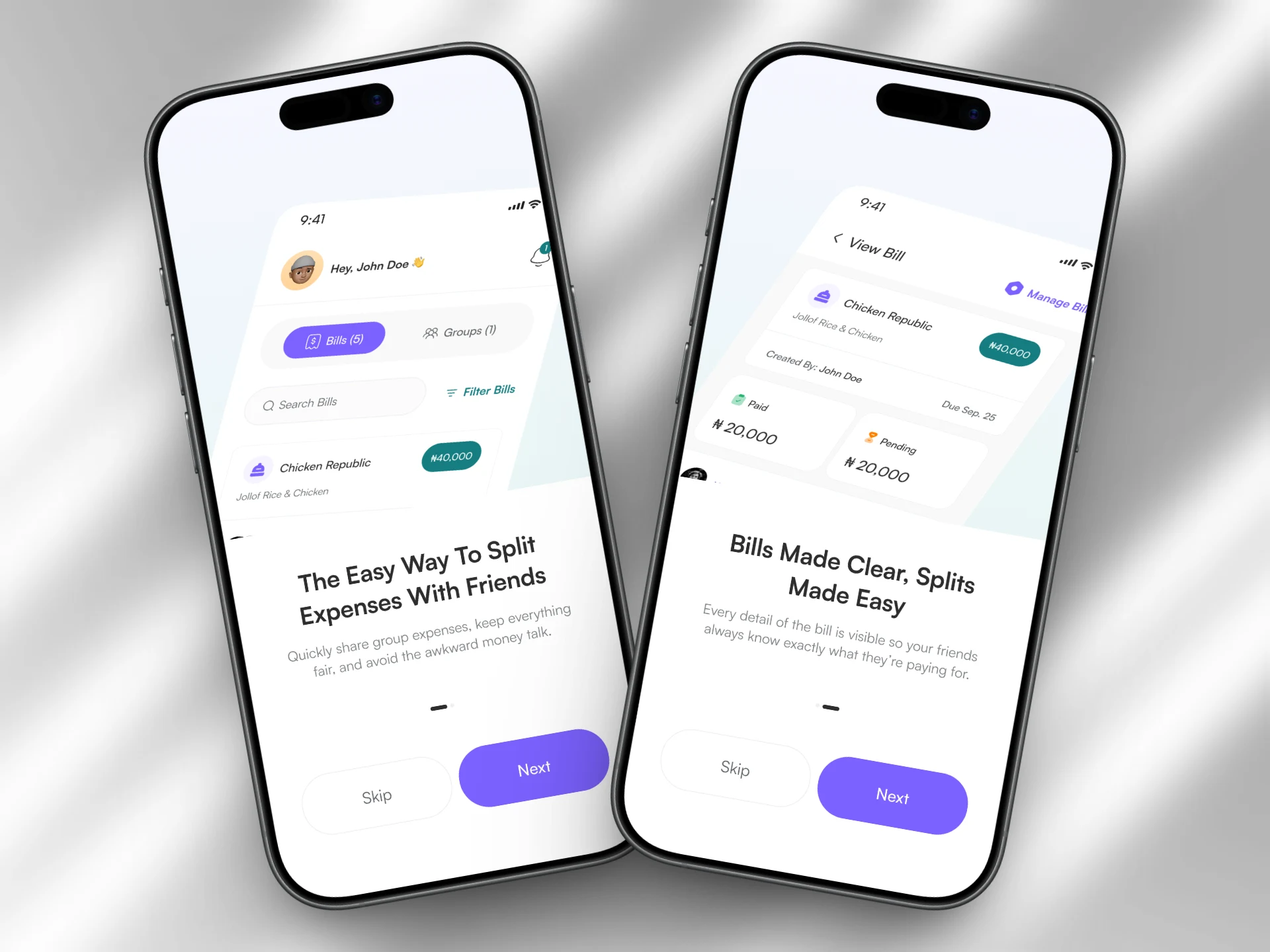
Splash Pages
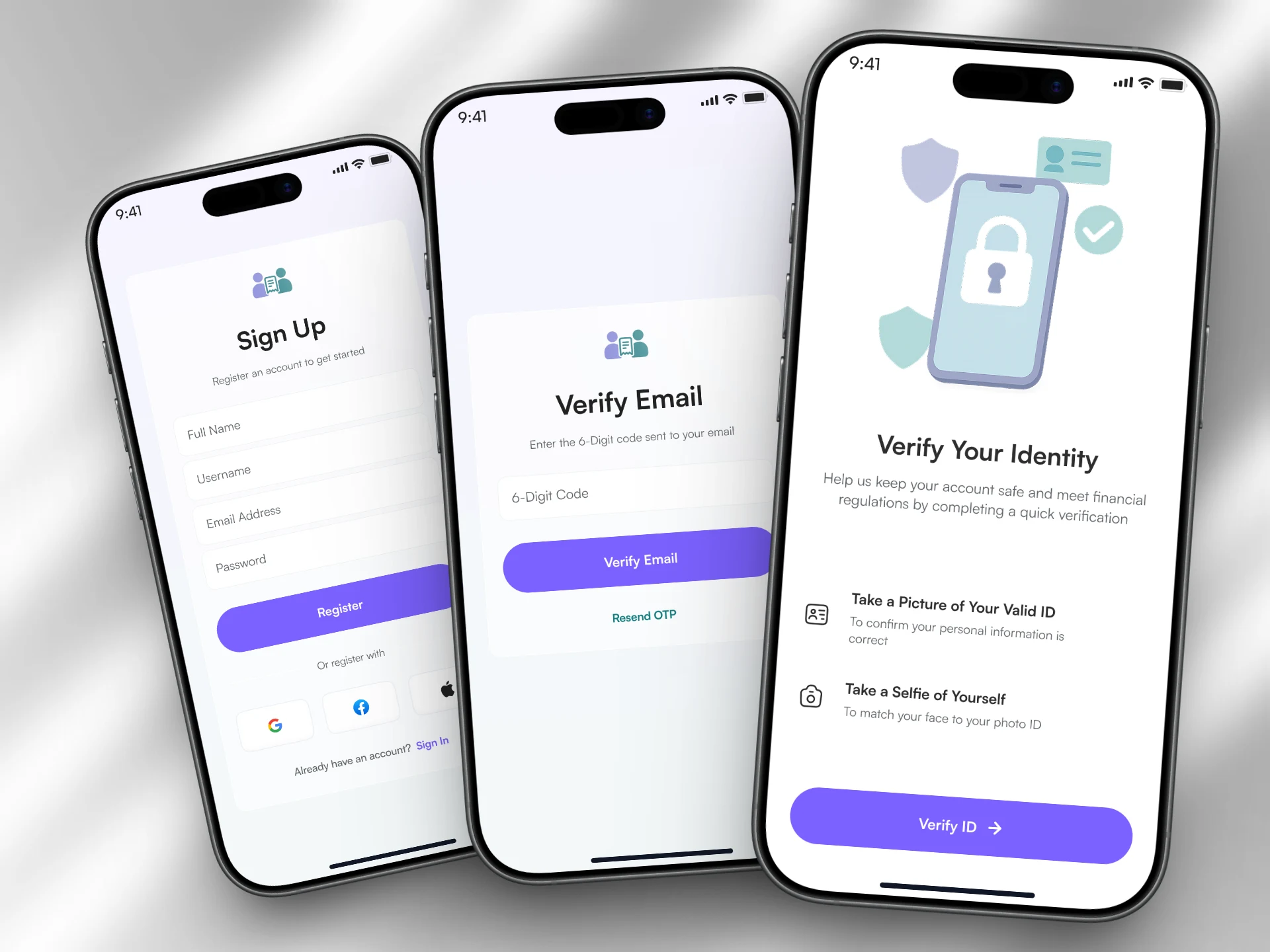
Registration - Email Verification - KYC Verification
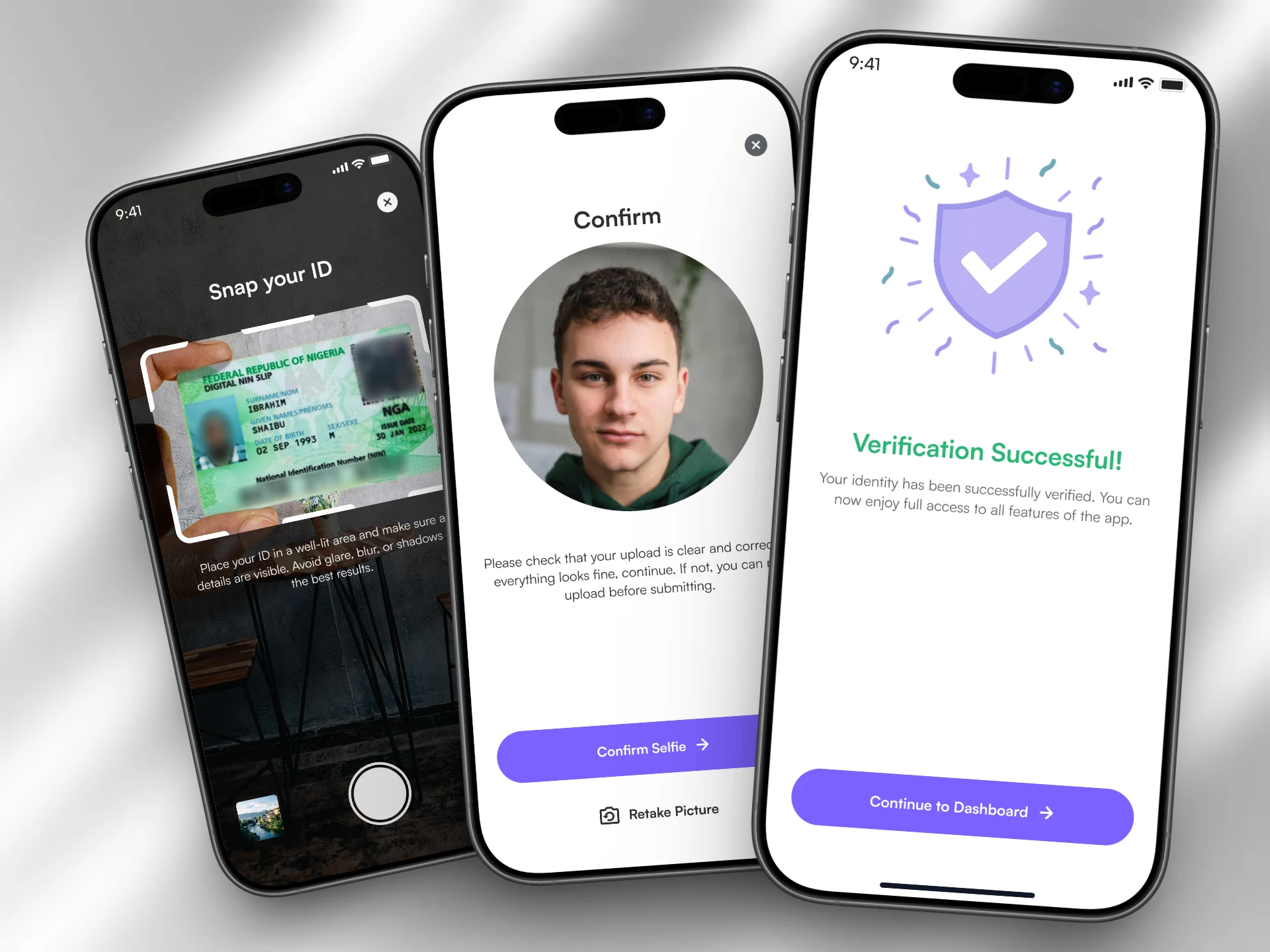
Snap ID - Selfie Confirmation - Success
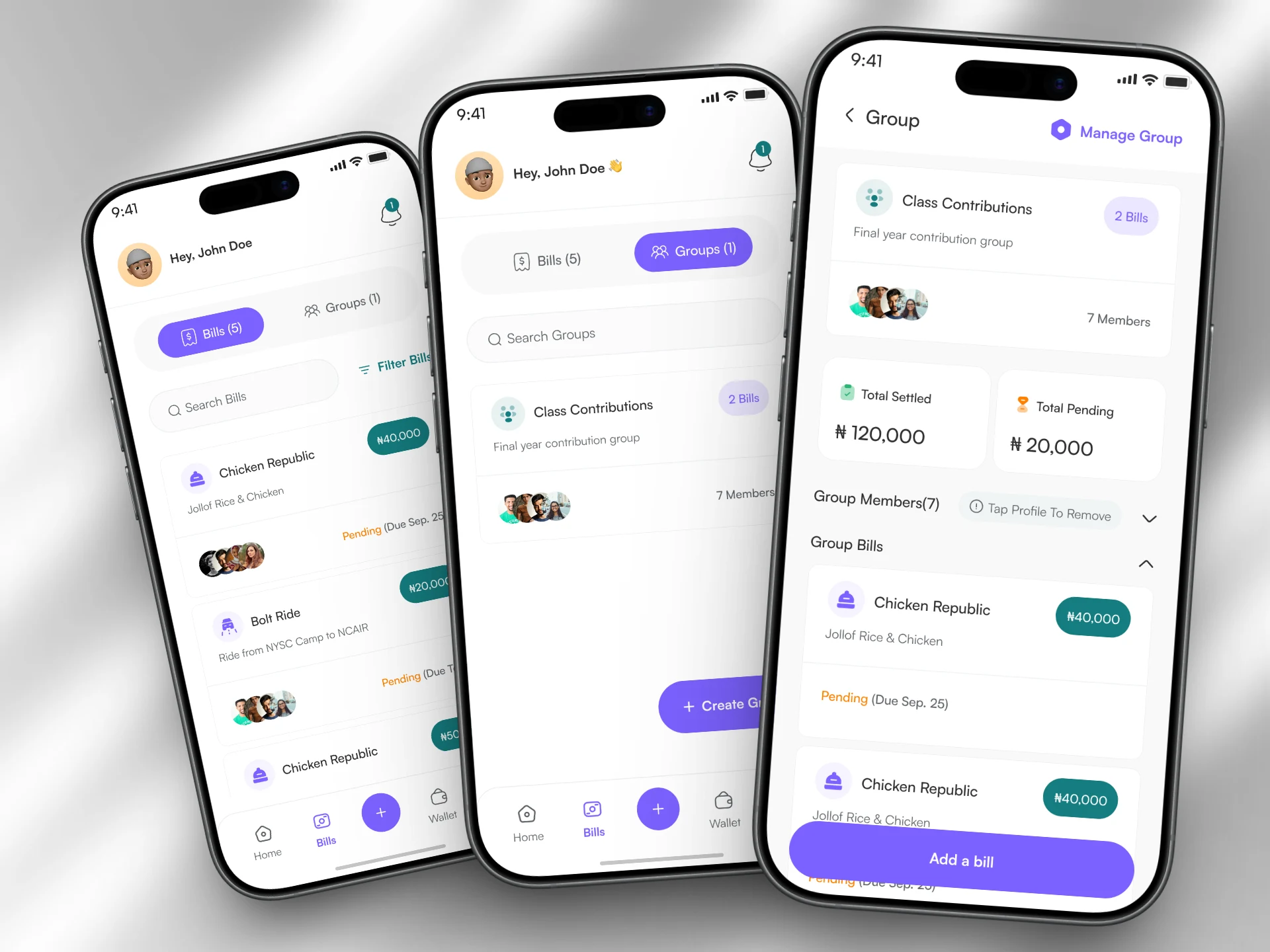
Bills - Groups - View Group
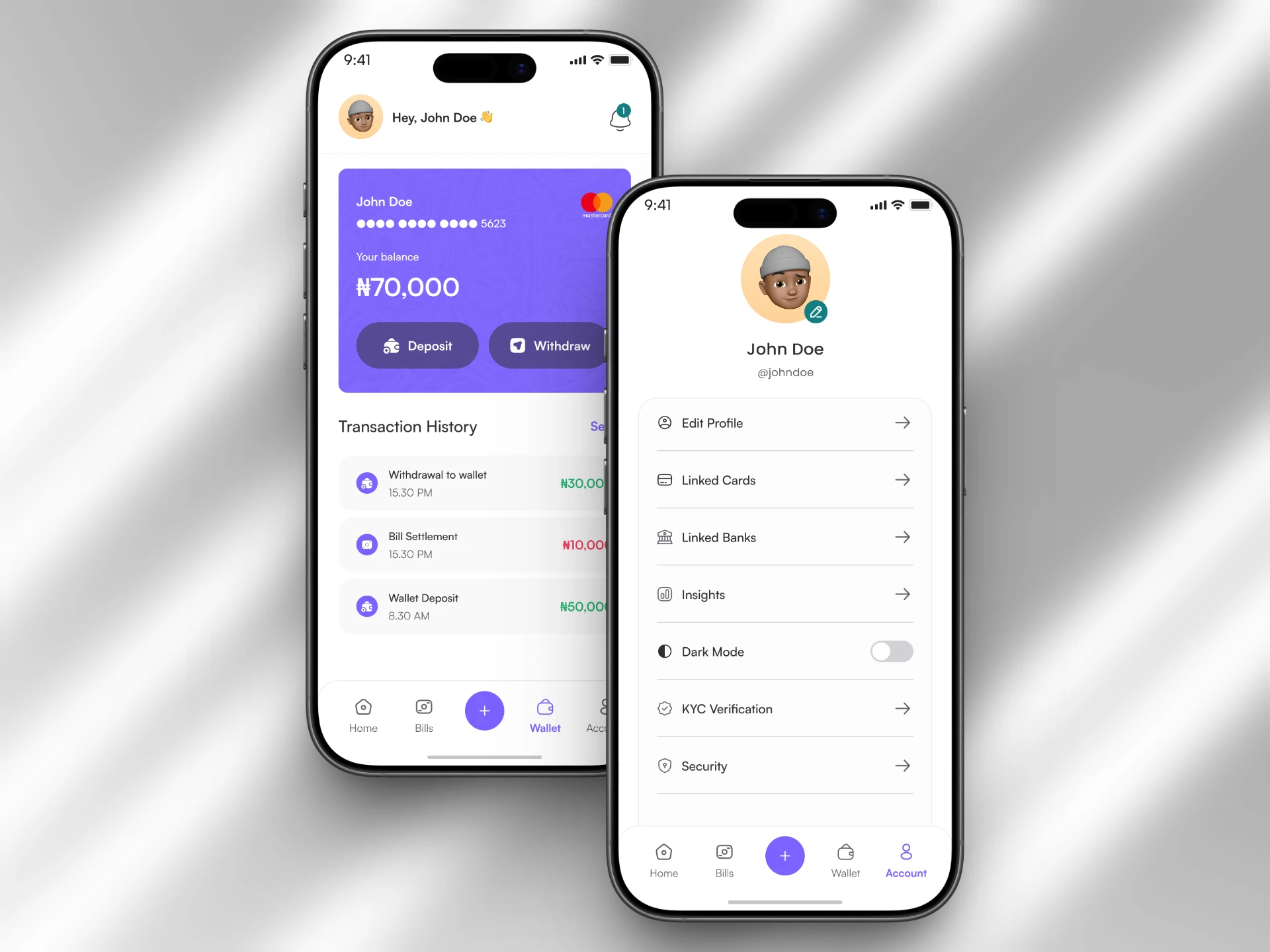
Wallet - Account
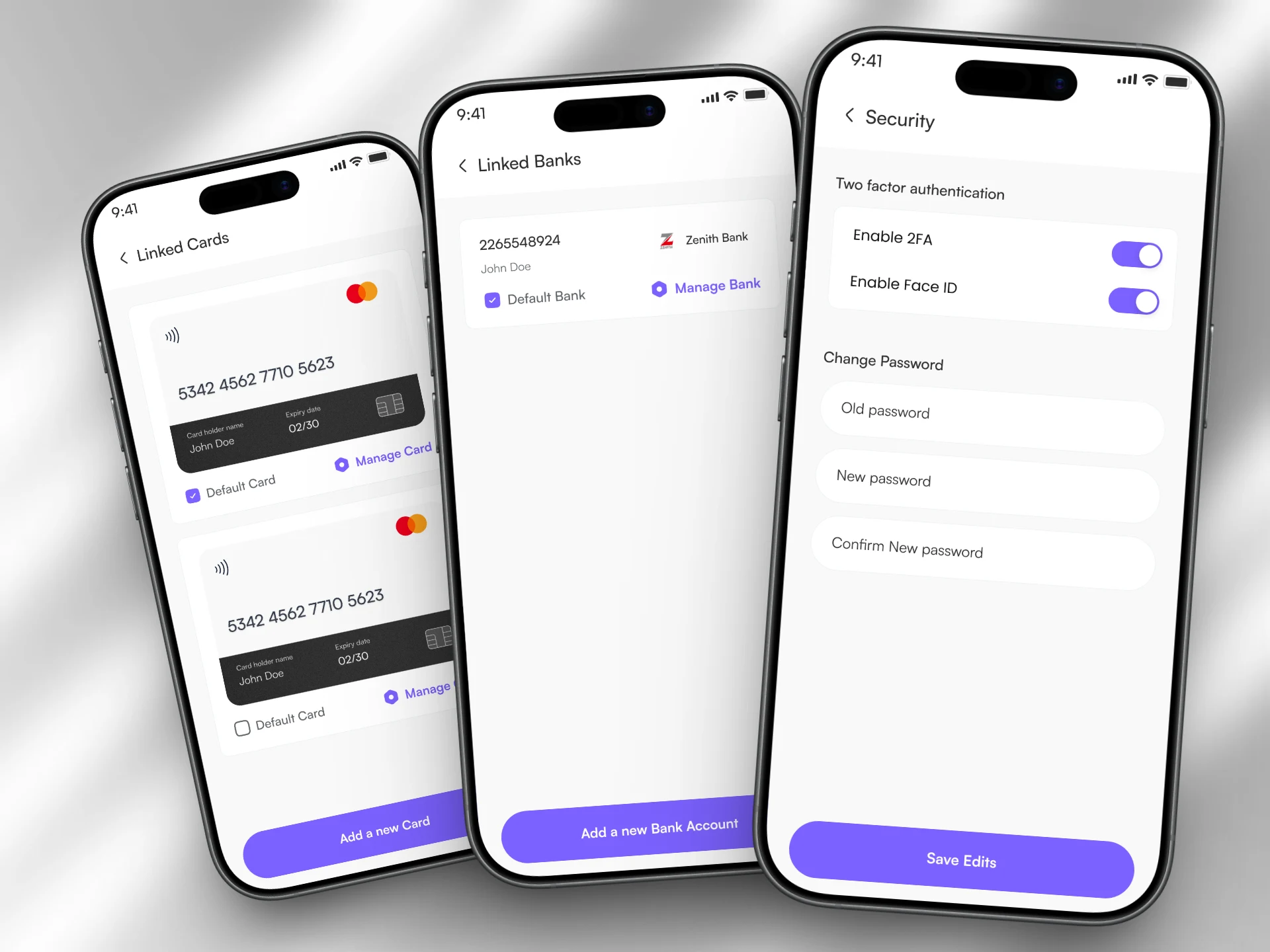
Linked Cards - Linked Banks - Security